
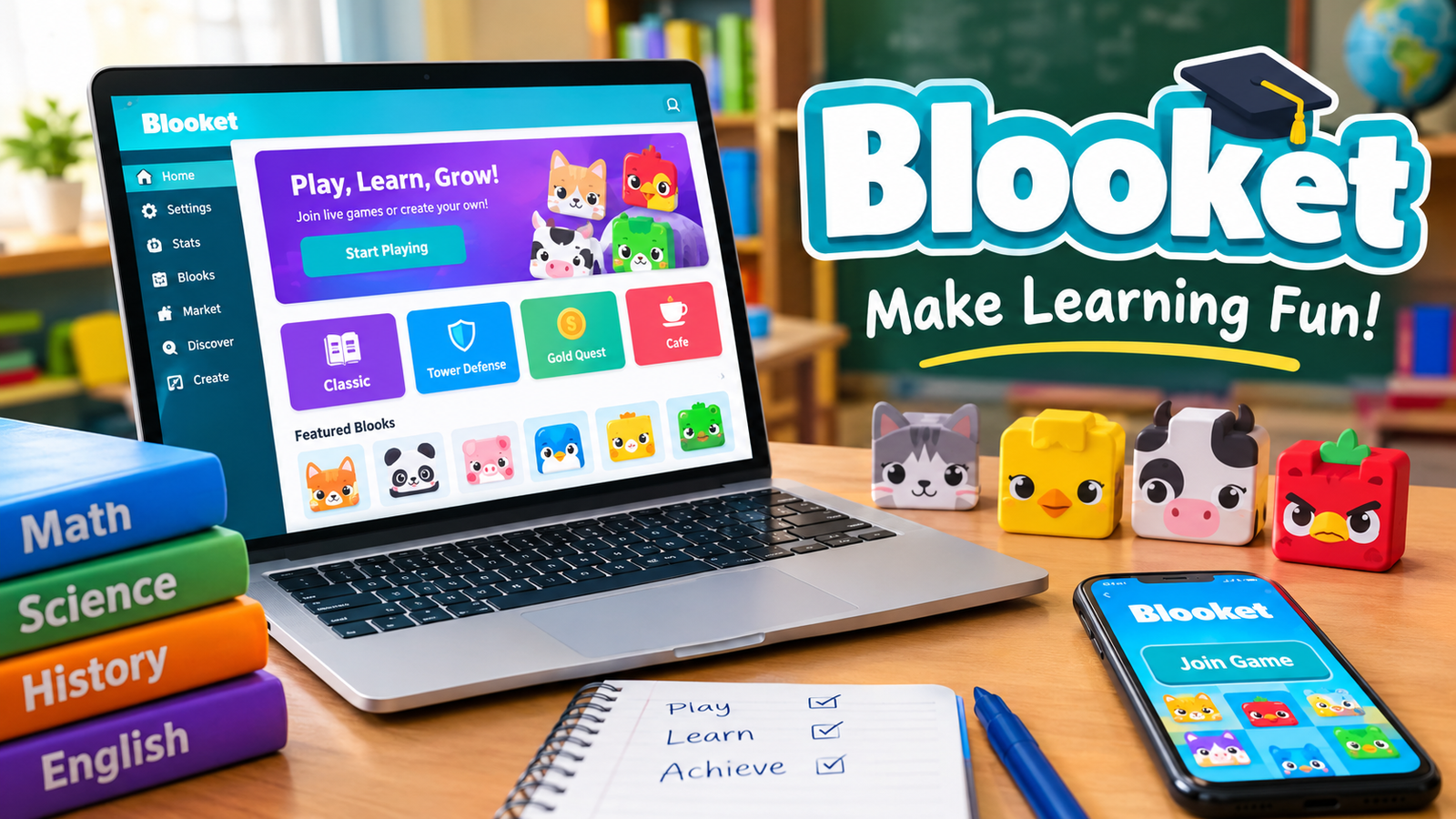
Blooket is an online educational gaming platform that makes learning more interactive through quizzes, challenges, and competitive games. It allows teachers to create or select question sets, host live classroom games, and assign independent activities. Students answer questions to earn rewards, compete with classmates, and practice different subjects in an entertaining environment.
The platform combines traditional quiz-based learning with creative game mechanics. Instead of simply answering questions on a worksheet, students participate in activities involving racing, collecting rewards, building strategies, and completing challenges. Blooket is designed to make classroom learning more enjoyable while helping teachers review lessons and understand student progress.
What Is Blooket?
Blooket is a browser-based educational platform designed for teachers and students. It uses game-based learning to turn educational questions into interactive activities. Teachers can choose questions from the platform’s public library or create their own question sets based on classroom subjects.
The platform is commonly used for classroom reviews, homework assignments, knowledge assessments, and independent practice. Students answer questions while participating in different game modes, each offering its own objectives and rewards.
Blooket is pronounced “Blue-kit.” Its gameplay revolves around question sets and collectible characters called Blooks, which students can use as avatars.
One important feature is that teachers can reuse the same question set across different game modes. This makes it easier to introduce variety without creating an entirely new quiz for every activity.
How Does Blooket Work?
Blooket follows a straightforward process that connects educational questions with interactive gameplay.
Teachers select a question set, choose a game mode, and start a session. Students join the activity and answer questions using their own devices.
The platform generally works in three main stages.
Choose or Create a Question Set
Teachers can explore the public question library to find educational content or create custom sets for their lessons.
Question sets can cover subjects such as mathematics, science, English, history, geography, and general knowledge.
Select a Game Mode
After choosing a question set, the teacher selects a game mode. Each mode introduces different gameplay mechanics, giving students a new way to practice the same material.
Some modes focus on speed and accuracy, while others involve strategy, competition, or resource management.
Play and Review Results
Students answer questions during the game and receive feedback through the gameplay experience.
After the session, teachers can access reports to review performance, identify knowledge gaps, and understand how students performed.
Popular Blooket Game Modes
Blooket offers multiple game modes designed to make educational practice more engaging. The available selection can change as the platform introduces new activities and seasonal experiences.
Some recognizable modes include:
Classic
Classic is a straightforward quiz-based mode. Students answer questions to earn points and compete against other participants.
It is useful for quick classroom reviews and checking how well students understand a particular topic.
Gold Quest
Gold Quest introduces treasure collection and unexpected rewards. Students answer questions correctly to unlock treasure chests, which can contain different amounts of gold or special effects.
The unpredictable rewards make this mode entertaining and competitive.
Tower Defense
Tower Defense combines educational questions with strategy-based gameplay. Students use their progress to build and improve defenses against incoming enemies.
It encourages students to think strategically while continuing to practice academic material.
Café
Café is a resource-management game in which students answer questions to serve customers and manage a virtual café.
The gameplay combines knowledge checks with decision-making and time management.
Factory
Factory focuses on building and managing production. Players answer questions and use their progress to improve their virtual factory.
It introduces planning and resource-management elements into the learning experience.
Racing
Racing is a competitive mode in which students answer questions to move forward in a race.
Correct and timely answers help players progress toward the finish line, making it suitable for energetic classroom activities.
Fishing Frenzy
Fishing Frenzy combines quiz questions with a fishing-themed experience. Students answer questions and collect fish with different values.
It provides a combination of learning, rewards, and unpredictable gameplay.
How to Join a Blooket Game
Joining a Blooket game is relatively simple. Students generally need a game code, QR code, or joining link provided by the person hosting the session.
The process involves the following steps:
- Open the Blooket game-joining page in a web browser.
- Enter the Game ID provided by the teacher or host.
- Choose a nickname when prompted.
- Select an available Blook character if the game offers that option.
- Enter the waiting lobby and wait for the host to start the activity.
Students can participate in live games without creating a Blooket account. However, having an account provides access to additional personal features.
How Teachers Can Host a Blooket Game
Blooket provides teachers with tools to organize interactive classroom activities.
Teachers can host a game by selecting a question set, choosing an appropriate game mode, and configuring the available session settings.
Once the game is ready, the platform provides a joining method that teachers can share with students.
Students can then participate using computers, tablets, or compatible mobile devices with internet access.
Teachers can also use homework assignments to let students complete selected activities outside regular classroom sessions.
Blooket Features That Make Learning Interactive
Blooket combines several educational and entertainment features in one platform.
Custom Question Sets
Teachers can create their own question sets according to their teaching requirements. They can also explore existing sets created by other users.
This flexibility makes the platform suitable for different subjects and educational levels.
Multiple Game Modes
Different game modes offer different experiences using educational questions. Teachers can change the gameplay without necessarily changing the learning material.
Student Performance Reports
Blooket provides reports that help teachers evaluate classroom performance. These reports can support lesson planning and help identify topics that require additional attention.
Collectible Blooks
Blooks are collectible characters that students can use as avatars. They add a collection element to the platform and give students another reason to engage with its activities.
Live and Asynchronous Activities
Teachers can organize live classroom games or assign activities that students complete independently.
This makes Blooket useful for both classroom instruction and additional practice.
Benefits of Using Blooket for Education
Blooket can support teaching and learning by introducing interactive activities into traditional educational routines.
Makes Learning More Enjoyable
Traditional revision activities can sometimes feel repetitive. Blooket introduces competition, rewards, and different challenges to make question-based practice more interesting.
Encourages Student Participation
Interactive games can encourage students to participate more actively in classroom activities. Students who are less interested in conventional quizzes may find game-based learning more appealing.
Supports Knowledge Retention
Repeated exposure to educational questions can help students review important information and strengthen their understanding.
However, game participation alone does not guarantee long-term knowledge retention. Teachers should combine these activities with explanations, discussions, and other learning methods.
Provides Useful Learning Feedback
Teachers can use performance reports to identify areas where students are struggling. This information can help them decide which topics need further explanation or revision.
Offers Flexible Learning Activities
Blooket can be used for classroom competitions, homework, individual practice, and lesson reviews. Its different formats provide flexibility for teachers working with different learning objectives.
Is Blooket Free to Use?
Blooket offers a free version that provides access to essential educational features. Users can explore question sets, participate in games, and use core platform tools without necessarily purchasing a subscription.
The platform also offers paid plans with additional features and benefits for users who need more functionality.
The exact differences between free and paid access can change over time. Teachers should review the available subscription information before choosing a plan.
For many basic classroom activities, the free version provides a useful starting point.
Blooket for Students and Teachers
Blooket serves different purposes depending on who is using the platform.
How Students Can Use Blooket
Students can use Blooket to:
- Review classroom lessons through interactive quizzes.
- Practice mathematics, science, English, and other subjects.
- Participate in competitive educational activities.
- Complete teacher-assigned homework.
- Explore different question sets for independent practice.
- Collect and customize Blook characters.
How Teachers Can Use Blooket
Teachers can use Blooket to:
- Create customized educational question sets.
- Host interactive classroom competitions.
- Assign independent learning activities.
- Review student performance.
- Identify subjects that require additional practice.
- Introduce variety into regular classroom revision.
Is Blooket Safe for Students?
Blooket is designed as an educational platform for classroom and independent learning. However, like other online services, students should use it responsibly.
Teachers and parents should consider age requirements, account settings, online interactions, and appropriate classroom supervision.
Students should avoid sharing personal information through usernames or other public-facing features. Teachers should also select suitable question sets and review content before using it with younger learners.
Another important consideration is screen time. Blooket works best as one part of a balanced learning routine rather than a replacement for reading, writing, discussion, and practical classroom activities.
Blooket vs. Traditional Classroom Quizzes
Traditional quizzes and Blooket both help teachers evaluate student understanding, but their presentation is different.
Traditional quizzes generally focus on written questions and individual answers. Blooket adds interactive game mechanics, rewards, and competitive activities to the same basic learning process.
Traditional assessments may be more appropriate when teachers need formal evaluation, detailed written responses, or examination-style practice.
Blooket is particularly useful for informal revision, classroom engagement, and formative assessment.
Neither approach needs to replace the other. Combining traditional assessments with interactive learning activities can create a more balanced educational experience.
Common Problems When Using Blooket
Although Blooket is relatively easy to use, students and teachers may occasionally experience technical difficulties.
Game Code Not Working
A game code may stop working if the session has ended or the code was entered incorrectly. Students should request the current joining details from the host.
Unable to Join a Game
An unstable internet connection, browser problem, or expired game session may prevent students from joining.
Refreshing the page, checking the connection, or trying another supported browser may help.
Game Loading Slowly
Slow loading can result from internet connectivity issues or device performance. Closing unnecessary browser tabs and checking the network connection may improve the experience.
Questions Not Appearing Correctly
Incorrect or incomplete question sets can affect gameplay. Teachers should preview their content before hosting a classroom activity.
Frequently Asked Questions About Blooket
What is Blooket mainly used for?
Blooket is mainly used for educational quizzes, classroom revision, homework, and interactive learning activities. It helps teachers turn question-based practice into engaging games.
Can students play Blooket without an account?
Yes. Students can join live games as guests using a Game ID, QR code, or joining link. An account is useful for accessing additional personal features.
Is Blooket free for teachers and students?
Blooket offers free access to essential features. Paid subscription options are also available for users who need additional functionality.
Can teachers create their own Blooket questions?
Yes. Teachers can create custom question sets or select existing sets from the platform’s public library.
Can Blooket be used for homework?
Yes. Teachers can assign supported game activities for independent practice. Students can complete these assignments outside the classroom.
Is Blooket suitable for different school subjects?
Yes. Blooket can support subjects such as mathematics, science, English, history, geography, and general knowledge, depending on the available or teacher-created question sets.
Conclusion
Blooket is an interactive educational platform that combines quizzes, game modes, and classroom activities to make learning more engaging. Its question sets, customizable activities, student reports, and competitive features make it a useful option for teachers and students.
Whether used for classroom revision, independent practice, or homework, Blooket provides a flexible way to introduce game-based learning into education. When combined with traditional teaching methods and meaningful feedback, it can help create a more enjoyable and interactive learning environment.
Also read: Bilieter

1 Comment
Pingback: Blooket Join: How to Join and Play a Game With a Code