
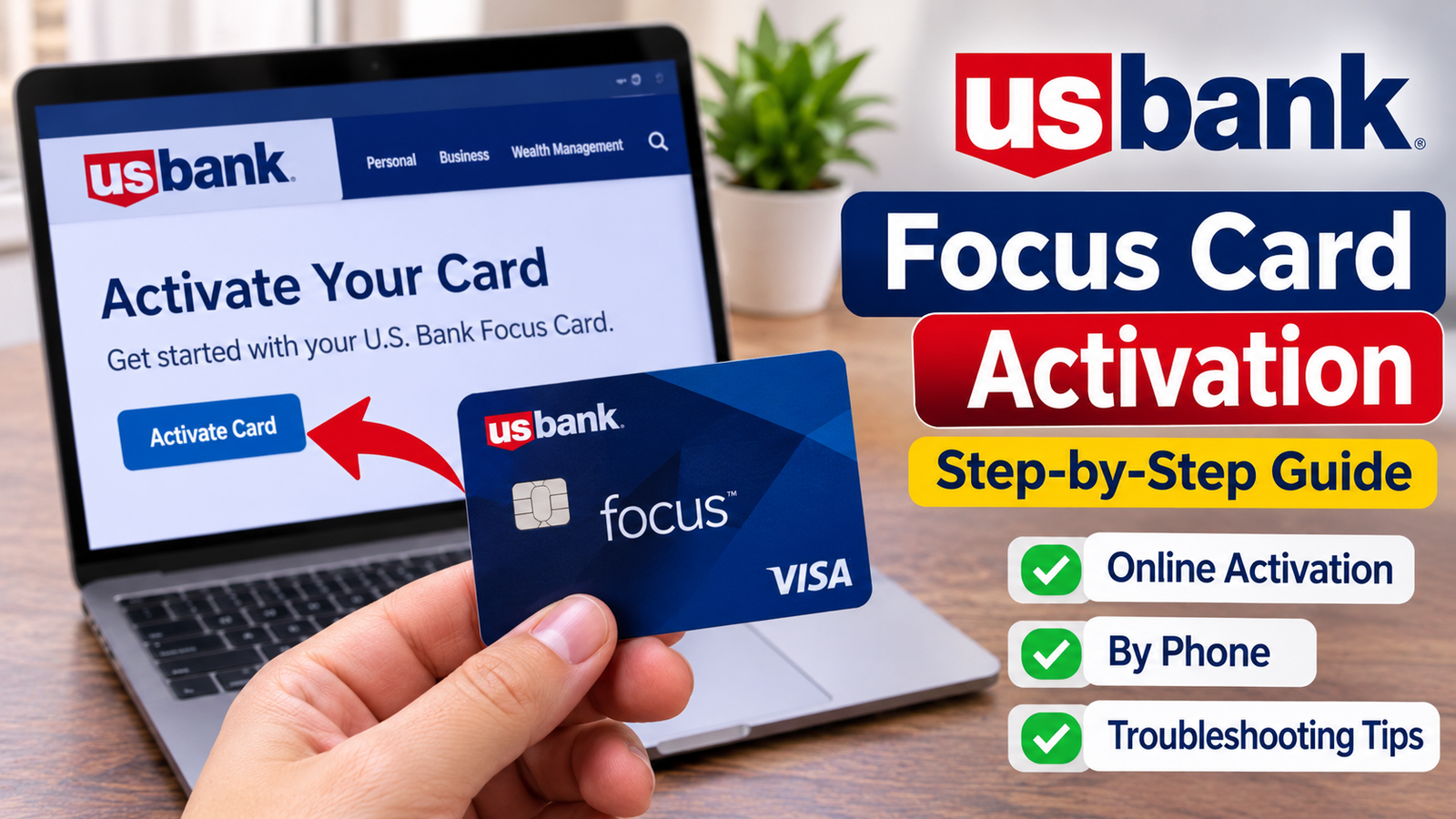
U.S. Bank Focus Card activation allows cardholders to access money loaded onto their prepaid debit cards. You can activate your card online through the official U.S. Bank Focus website, using the U.S. Bank mobile app, or by calling Cardholder Services at 877-474-0010. During activation, you will also need to choose a Personal Identification Number (PIN) before using the card.
Whether you have just received your Focus Card or need help getting started, understanding the activation process can make accessing your funds easier. This guide explains the available activation methods, required information, common problems, and important security precautions.
What Is a U.S. Bank Focus Card?
The U.S. Bank Focus Card is a reloadable Visa prepaid debit card designed to provide access to payments from employers, organizations, and other participating funders.
Instead of receiving certain payments through a paper check, eligible cardholders can receive funds directly on their Focus Card. Once money is available, the card can be used for eligible purchases and other supported transactions.
Some important features include:
- Access to deposited funds.
- Online, in-store, and telephone purchases.
- ATM cash withdrawals, subject to applicable fees and limits.
- PIN-protected transactions.
- Online account management.
- Balance notifications and transaction history.
The Focus Card is a prepaid debit card, not a traditional credit card. You generally cannot spend more than the available balance.
How to Complete U.S. Bank Focus Card Activation
There are several ways to activate a U.S. Bank Focus Card. Choose the method that is most convenient and follow the instructions carefully.
Activate Your Focus Card Online
Online activation is a convenient option for cardholders who have internet access.
Follow these general steps:
- Visit the official U.S. Bank Focus Card website.
- Access the cardholder account or activation option.
- Provide the requested card information.
- Follow the identity verification instructions.
- Create or select your PIN when prompted.
- Complete the activation process.
Keep your physical card nearby because you may need information printed on it.
Activate Through the U.S. Bank Mobile App
You can also use the U.S. Bank mobile app to manage your Focus Card.
The general process involves:
- Downloading the official U.S. Bank app from your device’s app store.
- Opening the application.
- Accessing the Focus Card or prepaid card account.
- Following the available activation instructions.
- Completing the required verification.
- Selecting your PIN if prompted.
App features and navigation may vary depending on your card program and application version.
Activate Your Card by Phone
Phone activation is another option, particularly if you cannot complete the process online.
Call U.S. Bank Focus Cardholder Services at:
877-474-0010
Cardholder Services is available 24 hours a day, seven days a week.
Follow the automated instructions to activate your card. If you need additional assistance, you can request help from a customer service representative.
Always use the number printed on your card or official card documentation if it differs from the number above.
What Information Do You Need for Activation?
Before beginning the activation process, prepare your card and any information requested by U.S. Bank.
You may need:
- Your physical U.S. Bank Focus Card.
- The card number.
- Personal identification information.
- Your date of birth or other verification details, if requested.
- A new four-digit PIN.
The exact information required can depend on the card program and its verification process.
Never share your PIN, password, or full card details with someone who contacts you unexpectedly.
How to Set Up Your U.S. Bank Focus Card PIN
A Personal Identification Number is an important security feature that helps protect your prepaid card.
During activation, you may be asked to select a PIN. Choose a number that is difficult for others to guess.
For better security:
- Avoid using your birthday.
- Do not use simple number combinations.
- Never write your PIN on your card.
- Do not share your PIN with anyone.
- Cover the keypad when entering your PIN at an ATM or payment terminal.
You may need your PIN for ATM withdrawals and certain debit transactions.
How to Check Whether Your Focus Card Is Activated
After completing activation, you may want to confirm that your card is ready to use.
You can check its status through the available cardholder account services or by contacting Cardholder Services.
You can also check your balance through supported account services.
Keep in mind that card activation and receiving funds are two different things. Activating your card does not automatically deposit money into your account.
Your card becomes useful for purchases once it is activated and funds are available.
Common U.S. Bank Focus Card Activation Problems
Sometimes, cardholders experience difficulties during activation. Understanding common issues can help you identify the next step.
Incorrect Card Information
Entering an incorrect card number or other requested information may prevent activation.
Carefully check the information printed on your card before submitting it again.
Card Activation Is Not Working Online
An unstable internet connection, browser problem, or temporary website issue may interrupt the process.
Try refreshing the page, checking your internet connection, or using another supported browser.
If the problem continues, contact Cardholder Services.
Unable to Create a PIN
If the system does not accept your selected PIN, follow the instructions displayed during activation.
Avoid choosing easily guessed combinations. Contact customer support if you cannot complete PIN setup.
Card Already Activated
If you receive a message saying that your card is already activated, do not repeatedly submit your information.
Contact U.S. Bank to confirm the card’s status and determine whether any additional action is necessary.
Lost or Damaged Focus Card
If your card is lost, stolen, or damaged, contact Cardholder Services immediately at 877-474-0010.
Reporting a missing card quickly can help prevent unauthorized activity and allow you to request a replacement.
Tips for Using Your U.S. Bank Focus Card Safely
Once your card is activated, following basic security practices can help protect your money.
- Keep your card in a secure place.
- Check your available balance before making purchases.
- Review recent transactions regularly.
- Use a private device when accessing your account.
- Avoid clicking suspicious activation messages.
- Never provide your PIN through an unsolicited phone call or message.
- Report unauthorized transactions immediately.
You should also review your cardholder agreement and fee schedule to understand applicable transaction limits and charges.
Conclusion
U.S. Bank Focus Card activation is an important step before using your prepaid debit card. You can generally activate your card online, through the U.S. Bank mobile app, or by calling Cardholder Services at 877-474-0010.
After activation, select your PIN, protect your card information, and check your available balance before making purchases. If you encounter difficulties, U.S. Bank customer support can help you resolve activation and account-related issues.
Frequently Asked Questions
How do I activate my U.S. Bank Focus Card?
You can activate your U.S. Bank Focus Card through the official cardholder website, the U.S. Bank mobile app, or by calling Cardholder Services at 877-474-0010.
What is the U.S. Bank Focus Card activation phone number?
The Focus Card activation and customer service number is 877-474-0010. Cardholder Services is available 24 hours a day, seven days a week.
Can I activate my U.S. Bank Focus Card online?
Yes. You can visit the official U.S. Bank Focus Card website and follow the available activation instructions. You may need your physical card and personal verification information.
Do I need a PIN to use my Focus Card?
You must select a PIN as part of the card activation process. A PIN is required for certain transactions, including supported ATM withdrawals and debit purchases.
How long does U.S. Bank Focus Card activation take?
Activation is generally completed during the online, mobile, or telephone process. If verification issues occur, additional assistance from Cardholder Services may be necessary.
What should I do if my U.S. Bank Focus Card will not activate?
Check that your card information is correct and follow the activation instructions again. If the problem continues, call Cardholder Services at 877-474-0010 for assistance.
Also read: Birthday Brianna Lyman Age and Height

1 Comment
Pingback: DASI4D: Platform Overview, Features, Games, and Safety Guide