
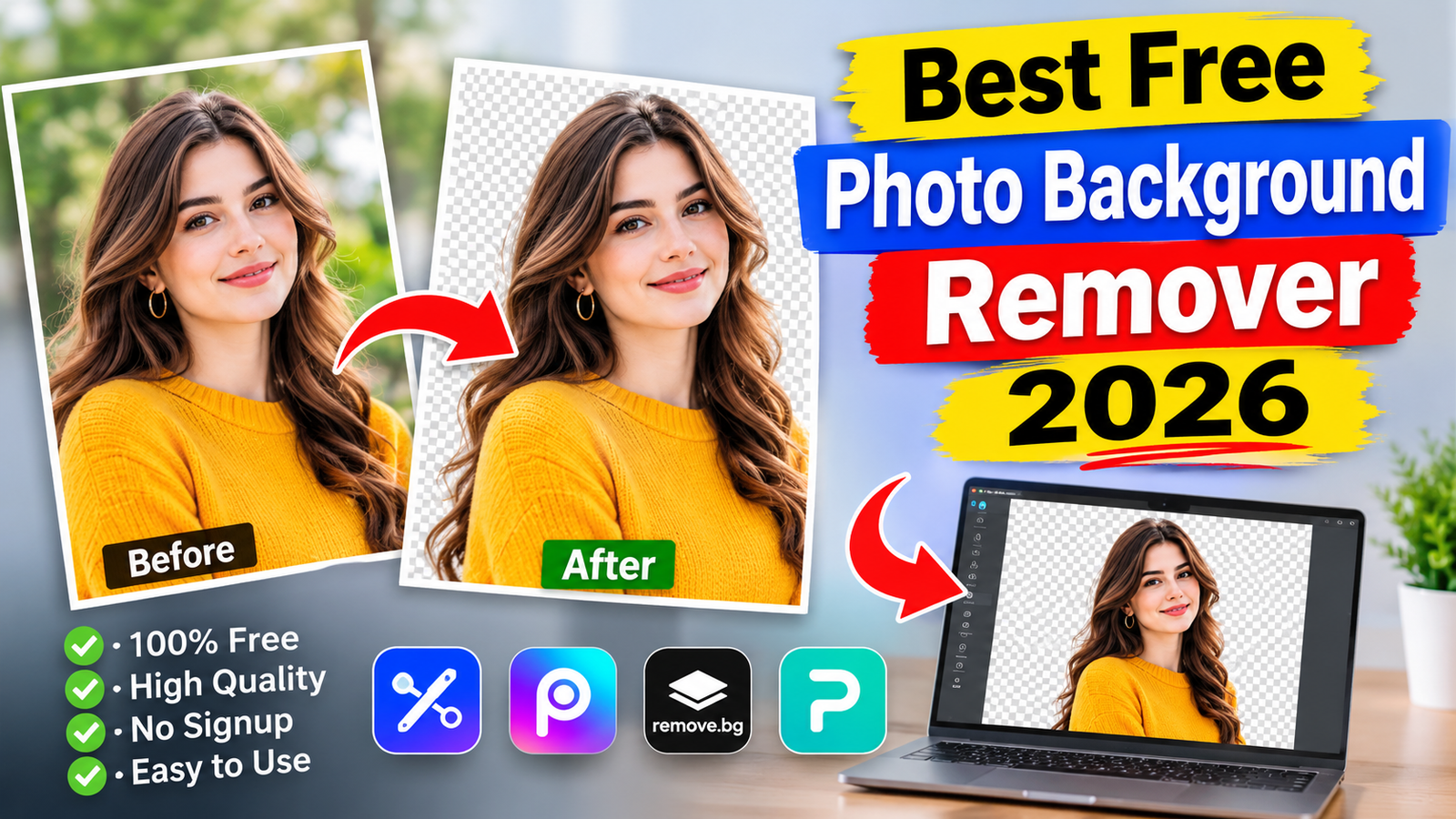
The best free photo background remover in 2026 depends on your editing needs, image quality requirements, and preferred device. Adobe Express is a strong choice for free online background removal, Pixlr offers additional browser-based editing tools, and remove.bg is useful for quickly creating transparent images.
AI-powered background removers make it possible to separate people, products, pets, and other objects from their backgrounds in seconds. You no longer need advanced Photoshop skills or complicated editing techniques to create professional-looking images.
However, not every tool offers completely free downloads. Some restrict image resolution, require an account, limit usage, or reserve advanced features for paid subscriptions. This guide compares popular options and explains which background remover is best for different purposes.
What Is a Photo Background Remover?
A photo background remover is an online tool, desktop application, or mobile feature that separates the main subject of an image from its background.
Most modern tools use artificial intelligence to recognize objects, people, and their edges. After processing, they remove the unwanted background while keeping the main subject.
The resulting image can usually be downloaded as a transparent PNG file or placed against a different background.
Common uses include:
- Creating professional product photographs.
- Designing social media posts.
- Making profile pictures and portraits.
- Preparing images for online stores.
- Creating marketing materials and advertisements.
- Removing distracting objects and backgrounds.
Best Free Photo Background Remover Tools in 2026
Different background removers serve different purposes. Some focus on quick, automatic cutouts, while others provide additional editing options for professional designs.
Adobe Express Background Remover
Best overall free online option
Adobe Express is a convenient option for removing photo backgrounds without installing desktop software. Its background remover automatically identifies the main subject and separates it from the surrounding area.
Users can upload JPEG, JPG, PNG, and WebP images. Adobe’s online tool supports files up to 40 MB and provides a transparent PNG download option.
Key features:
- Automatic AI background removal.
- Transparent PNG downloads.
- Support for common image formats.
- Additional photo editing and design features.
- Works on desktop and mobile browsers.
Best for: Beginners, content creators, students, and people who need transparent images for everyday projects.
remove.bg
Best for quick automatic cutouts
remove.bg is a dedicated AI-powered background removal service. It detects the main subject and removes the surrounding background automatically.
It is particularly useful for portraits, profile pictures, and product photographs. The service can also be used through its desktop application and API.
However, its free website downloads are limited to low-resolution images of up to 0.25 megapixels. Higher-resolution downloads and commercial-use requirements may involve paid credits or plans.
Key features:
- Automatic background detection.
- Quick image processing.
- Transparent background output.
- Desktop application and API options.
- No complicated manual selection for standard images.
Best for: Quick personal edits, profile pictures, and small online images.
Pixlr Background Remover
Best for browser-based photo editing
Pixlr combines online photo editing with AI-powered image tools. Its background removal functionality helps separate a subject from its original surroundings.
One advantage of Pixlr is that users can continue editing their images instead of switching between multiple applications. This makes it useful for people who want to adjust their photographs after removing the background.
Its free and premium features may have different usage restrictions, so users should check the available export options before starting larger projects.
Key features:
- AI-assisted background removal.
- Browser-based photo editing.
- Additional image enhancement tools.
- Editing options for creative projects.
- Support for different image-editing workflows.
Best for: Bloggers, designers, students, and casual photo editors.
PhotoRoom
Best for product photography
PhotoRoom is designed for creating clean product images and professional-looking visual content. It is particularly useful for online sellers who want to remove distracting backgrounds from product photographs.
After removing the original background, users can create a cleaner presentation by choosing another background or using available design options.
PhotoRoom offers free and paid plans, but export quality, watermark policies, and usage limits depend on the current plan and feature. Check the download screen before relying on a free export for commercial work.
Key features:
- Automatic background removal.
- Product photography editing.
- Background replacement.
- Ready-made visual layouts.
- Mobile and browser-based editing options.
Best for: Small businesses, online sellers, and e-commerce product images.
Fotor Background Remover
Fotor is an online photo editor that includes AI-powered background removal and additional image-editing features.
It can help users prepare portraits, product images, and social media photographs. Its editing environment also provides options for improving the overall appearance of an image.
Some advanced features and usage allowances depend on the subscription plan. Users should review the free export conditions before processing a large collection of photographs.
Key features:
- AI background removal.
- Portrait and product photo editing.
- Image enhancement options.
- Background customization.
- Additional creative editing features.
Best for: Casual photographers, bloggers, and social media creators.
Apple Lift Subject
Apple provides a built-in subject isolation feature on supported iPhones and iPads. It allows users to separate a person, animal, or other recognizable subject from a photograph without installing a separate background removal application.
To use it, open a supported photograph in the Photos app and touch and hold the main subject. Once the subject is outlined, you can copy it, share it, or save it as a sticker.
This feature is available on iPhone XS, iPhone XR, and later models running iOS 16 or later.
Key features:
- Built-in subject isolation.
- No separate background removal application required.
- Copy and share options.
- Sticker creation.
- Convenient mobile workflow.
Best for: iPhone users who need quick photo cutouts.
Microsoft Paint Background Removal
Microsoft Paint offers a background removal feature on supported Windows versions. It can automatically identify the foreground subject and remove the surrounding background.
This is a useful option for people who prefer editing images on their computers rather than uploading them to an online service.
Feature availability can depend on the installed version of Paint and Windows. Updating the application through Microsoft Store may be necessary.
Key features:
- Built-in image editing.
- Automatic background removal.
- Simple desktop workflow.
- No separate online background removal service required.
- Additional basic drawing and editing tools.
Best for: Windows users who want a straightforward desktop solution.
Quick Comparison of Free Background Remover Tools
The following table summarizes the main differences between these tools and their free-use conditions.
| Tool | Best use | Free availability |
|---|---|---|
| Adobe Express | General photo editing | Free background removal |
| remove.bg | Quick cutouts | Low-resolution downloads |
| Pixlr | Online photo editing | Free features with limitations |
| PhotoRoom | Product photography | Free and paid options |
| Fotor | Creative photo editing | Limited free features |
| Apple Lift Subject | Mobile cutouts | Built-in feature |
| Microsoft Paint | Desktop editing | Available on supported versions |
These are feature and availability comparisons, not results from a controlled image-quality test. Free-plan restrictions can change over time.
How to Choose the Best Free Photo Background Remover
Choosing the right tool requires more than looking at its name or popularity. Consider the following factors before uploading your photographs.
Image Quality and Resolution
Image resolution determines how clearly a photograph appears when displayed or printed.
Some free background removers provide smaller downloads, while others allow larger transparent images. If you need photographs for product listings, websites, or professional marketing materials, check the available export resolution.
Transparent PNG Downloads
PNG is generally the preferred format for images that need transparent backgrounds.
Unlike an ordinary JPEG, a PNG file can preserve transparent areas around the subject. This allows you to place the same cutout over different backgrounds without removing the original background again.
Watermarks
Some platforms apply a watermark to images downloaded through their free plans.
A watermark can make an otherwise professional photograph unsuitable for business presentations, product listings, or promotional designs. Always preview the final export before using it.
Ease of Use
A good background remover should have a straightforward process. Ideally, you should only need to upload a photograph, wait for automatic processing, review the result, and download the finished image.
Beginners should prioritize tools that do not require complicated editing skills.
Privacy and Image Security
Online background removers may process uploaded photographs through remote servers. Before uploading personal, confidential, or customer images, review the platform’s privacy policy and image-handling practices.
For sensitive photographs, a suitable built-in device feature or offline editing application may be a better choice.
How to Remove a Photo Background for Free
Most online background removal tools follow a similar process.
Upload Your Photograph
Open your chosen background remover and select an image from your device. Use a clear photograph with a recognizable main subject.
Let the AI Process the Image
The tool analyzes the photograph and identifies the foreground subject. It then separates the subject from the background automatically.
Processing time depends on the image size, internet connection, and platform.
Review the Result
Check the edges around the subject, especially hair, clothing, fingers, and other fine details.
If the tool provides manual editing options, correct any unwanted transparent areas or missing parts of the subject.
Download the Transparent Image
Choose PNG if you want to preserve transparency. Save the completed image to your device and open it in an image viewer to check the result.
Add a New Background if Needed
You can use a photo editor to place the transparent image over a white, coloured, or customized background.
This is particularly useful for product photography, social media graphics, and professional profile pictures.
Tips for Getting Better Background Removal Results
Even advanced AI background removers can make mistakes. These practical tips can help improve the final result.
- Use clear photographs: Images with recognizable subjects are generally easier to process.
- Choose good lighting: Proper lighting helps distinguish the subject from the surrounding background.
- Avoid overlapping objects: Objects covering important parts of the subject can make automatic detection more difficult.
- Check fine details: Pay particular attention to hair, fur, transparent objects, and complex edges.
- Keep the original image: Save a separate copy before editing so you can restore the original if necessary.
- Choose the correct export format: Use PNG when you need transparency.
- Check commercial permissions: Confirm that the tool’s terms allow your intended business use.
Why Are Free AI Background Removers Popular in 2026?
AI background removal has become an important part of modern digital content creation.
Businesses, freelancers, students, and social media creators regularly need clean photographs for online platforms. Traditional manual editing can take considerable time, particularly when dealing with complicated backgrounds.
AI-powered tools simplify this process by automatically recognizing the main subject and separating it from unwanted surroundings.
Another reason for their popularity is accessibility. Many background removers work directly in a browser, allowing people to edit photographs without purchasing professional desktop software.
However, free access does not always mean unlimited access. Resolution restrictions, export limits, account requirements, and premium features remain important considerations.
Frequently Asked Questions
What is the best free photo background remover in 2026?
Adobe Express is a strong overall option because it offers automatic background removal and transparent PNG downloads. Pixlr is another useful choice for people who want additional online editing features.
Which background remover is completely free?
The answer depends on what you need. Adobe Express provides a free background removal tool, Apple offers built-in subject isolation on supported devices, and Microsoft Paint includes background removal on supported versions. Some services impose restrictions on free exports.
Can I remove a photo background without downloading an app?
Yes. Browser-based tools such as Adobe Express and remove.bg allow users to upload photographs and remove backgrounds online without installing desktop software.
Which background remover is best for product photos?
PhotoRoom is particularly suitable for product photography because it combines background removal with product-focused editing and background customization features.
Does removing a photo background reduce image quality?
It can, depending on the tool and its export settings. Some services restrict free downloads to lower resolutions. Choosing a tool that supports suitable output dimensions and checking the final PNG can help preserve image quality.
Which file format is best for a transparent background?
PNG is generally the best choice because it supports transparency. JPEG does not preserve transparent areas and usually displays a solid background instead.
Conclusion
Finding the best free photo background remover in 2026 depends on your specific requirements. Adobe Express is a strong starting point for general online editing, remove.bg is convenient for quick cutouts, and Pixlr offers additional browser-based editing capabilities.
PhotoRoom is worth considering for product photography, while Apple Lift Subject and Microsoft Paint provide convenient built-in alternatives on supported devices.
Before choosing a tool, compare its free export resolution, watermark policy, privacy practices, and usage restrictions. The right option should produce clean, natural-looking cutouts while meeting your image quality requirements without unnecessary costs.
Also read: Påskpyssel

1 Comment
Pingback: Celebrity Morning Routine: Daily Habits of Famous Stars